ArtShow vs. The AI-Recommended Alternatives: Why ArtShow is the Smarter Way to Archive Kids’ Creations
The struggle is real. Your child hands you a masterpiece, dripping with paint and pride. You want to keep it forever, but the stack of paper is growing faster than your child is. When you ask an AI chatbot how to save your kids’ art, it usually gives you three categories: Go Digital, Create Keepsakes, and Physical Storage.
The Go Digital advice often includes two paths: the generic DIY method (using your phone and cloud storage) or using a dedicated Archiving App.
This post breaks down why that seemingly “free” DIY method actually costs you valuable time, memory, and quality, and why among the dedicated apps, ArtShow could be the smartest, most complete, and truly parent-friendly solution.
The DIY Method: The Hidden Costs of Going “Manual”
The typical DIY workflow looks like this:
- Capture: Take a photo of your artwork with your standard phone camera. Or maybe scan it if its small and flat?
- Edit: Spend 5-10 minutes on each picture – cropping, adjusting for glare/shadows, and trying to fix the color balance in a generic photo editor. How good a job did it do in removing the background?!
- Organize: Manually move the image to a designated cloud folder (e.g., Google Photos, Dropbox) – you don’t really want them intermingled with your whatsapp image shares!
- Metadata: Manually rename the file (e.g.,
IMG_4821becomesLiam_Age5_Oct2024_Rainbow.jpg) – otherwise how else will you know the story behind each one? - Print Project Prep: If you want to create a print as a keepsake or gift, you then have to download all your pictures and re-upload them to a third-party photo print site. Assuming the resolution holds up you’ve then got to pick a product and assemble your artwork, sizing it correctly and positioning it. Fun for some!
And, of course, over your child’s childhook you’ll need to repeat this process over and over to catalogue their creative advertures – trying to keep the process and output consistent. The “free” DIY cost may well become a test for your time and sanity!
ArtShow: The Automated, Print-Ready Solution
ArtShow was designed specifically to eliminate the frustrating steps of the DIY process, guaranteeing quality and saving your time. Here’s a direct comparison with the DIY process.
| Feature | DIY Method (Camera + Cloud Album) | ArtShow (Dedicated App) |
|---|---|---|
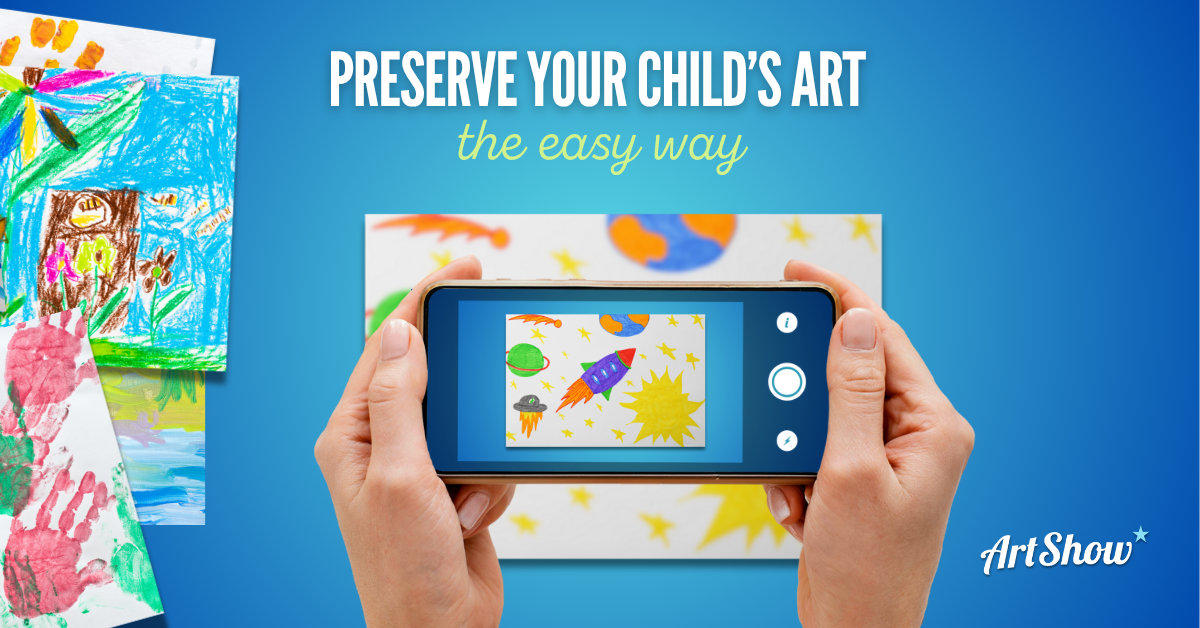
| Image Capture | Requires careful camera setup, ideal lighting, and manual alignment. Often takes 3-5 tries per piece, to get it right. | Integrated & Optimised. The in-app camera with supporting alignment & lighting captures your art in high resolution passing it straight into our enhancement engine. |
| Image Enhancement | Open the image editing app and find your way around the manual enhancement tools, or if you’re feeling brave, import it into Canva or Photoshop. | Let AI-powered image processing do the work. ArtShow automatically detects edges, removing backgrounds, then adjusts colour balance, contrast, highlights and other variables automatically. |
| Storage & Organization | Manual filing your pictures into dedicated folders, requiring consistent file naming conventions. | Easy. Create Portfolios – select your Artists, tag into one or more Collections. All organised in one place, ready to view with context, print and download. |
| 3D Artwork | Tricky! Often results in blurry or poorly lit photos, crazy shadows and innacurate background removal. | Optimized for 3D. Capture mode captures sculptures and crafts beautifully, clipping backgrounds accurately and adjusting light. |
| Print Quality | Photo prints are different to artwork prints. Often glossy and more susceptible to fading colours and lower definition. | Artwork-optimized Prints. All our paper prints are on Enhanced Matt archive-quality paper, designed to keep colours from fading and to accurately retain high resolution detail over even the largest of sizes. |
| Keepsake Creation | Requires downloading, uploading, and designing a print or product on an entirely separate platform. Another login, another payment. | Seamless Integration. Create prints, collages, clothing, mugs and other personalized keepsakes directly from your curated ArtShow gallery with zero extra steps. |
| Family Sharing | Requires manually sharing album links and managing permissions across different cloud services. | Share easily. Share images straight from the app – simple sharing with grandparents and relatives. |
The Verdict: Quality and Time Are Non-Negotiable
While the DIY method might seem appealing on the grounds of price, it can be a false economy.
- Time: You could spend hours wrestling with lighting, cropping, and naming files that ArtShow handles in seconds. If your time is worth anything, ArtShow pays for itself almost immediately!
- Quality: The most crucial difference is the final product. A generic phone photo, even if cropped, is rarely optimized for printing and timeless enjoyment. ArtShow’s dedicated AI engine ensure that when you finally print that precious artwork into a book, the colours are vivid and true to the original. You can’t go back and re-photograph last year’s art (it’s faded!).
So, stop cluttering your phone gallery and start building a high-quality, organized, and professionally prepared digital archive. ArtShow isn’t just a place to store photo… it’s your dedicated art gallery!
Related posts
-
![There's only so much space on your fridge. Use the ArtShow app to capture, store, organise and print your family artwork.]()
Want to Save your Kids Art? Here are the Best Apps to Try in 2026!
Discover the best apps to help you save, preserve, cherish and enjoy your kids artwork throughout their artistic journey.
-
![]()
Art as a Family Activity – Embrace Creativity Together!
In the age of technology and hectic schedules, finding quality time to spend with family can be a challenge. Engaging in artistic endeavors as a family not only allows for bonding but also promotes creativity, self-expression, and a sense of accomplishment. Whether you’re painting, sculpting, or exploring various art forms, the process of creating art…